Follow-up operations
Make every sales follow-up visible and accountable
ClickToClose gives reps and managers one place to manage high-ticket sales follow-ups. Every follow-up has a due date, reason, owner, expected value, and status so overdue opportunities do not disappear inside a CRM task list.
Built for sales teams where one missed follow-up can mean thousands in lost revenue.
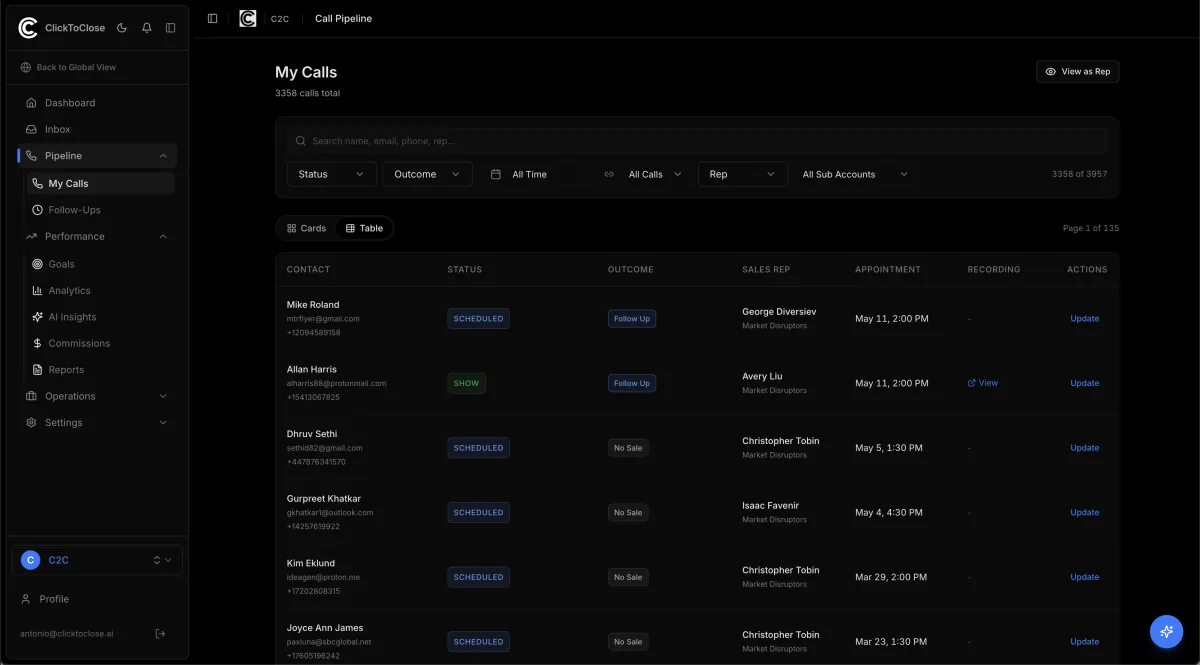
Priority queues
Separate overdue, due-today, upcoming, completed, dismissed, and rescheduled work.
Outcome-linked follow-ups
Create follow-ups from call outcomes and keep the original sales conversation attached.
Complete or reschedule
Close the task, convert the outcome to a sale or no-sale flow, or create a clean replacement follow-up.
Manager visibility
Filter by rep, sub-account, status, and date to find risk before the opportunity goes cold.
How it works
- 1. A rep records a follow-up outcome and due date.
- 2. ClickToClose places the item in the correct priority queue.
- 3. The rep completes, converts, reschedules, or dismisses the task.
- 4. Managers review overdue volume and ownership across the team.
Frequently asked questions
How are follow-ups created?
They are created when a call is marked for follow-up with a date and time.
Can managers reassign follow-ups?
Yes. Follow-up ownership can be filtered and reassigned when team responsibilities change.
Does completing a follow-up change the call outcome?
The product supports both a simple completion and flows that continue into sale or no-sale outcome updates.
Related sales operations systems
See how the reporting layer connects to the workflows and records that create the number.